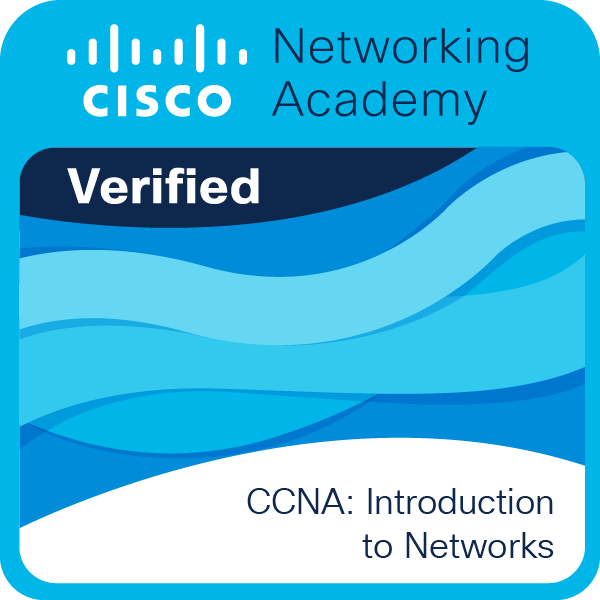
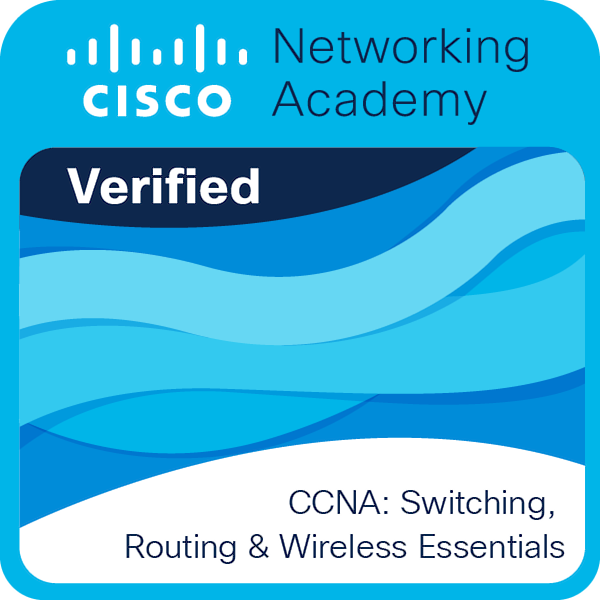
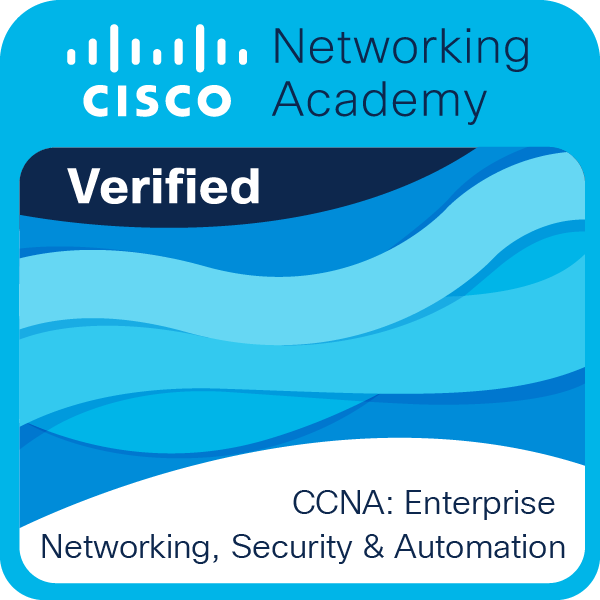
My ProjectsMeine Projekte
Project Web Portfolio ibdev.de Projekt Web Portfolio ibdev.de
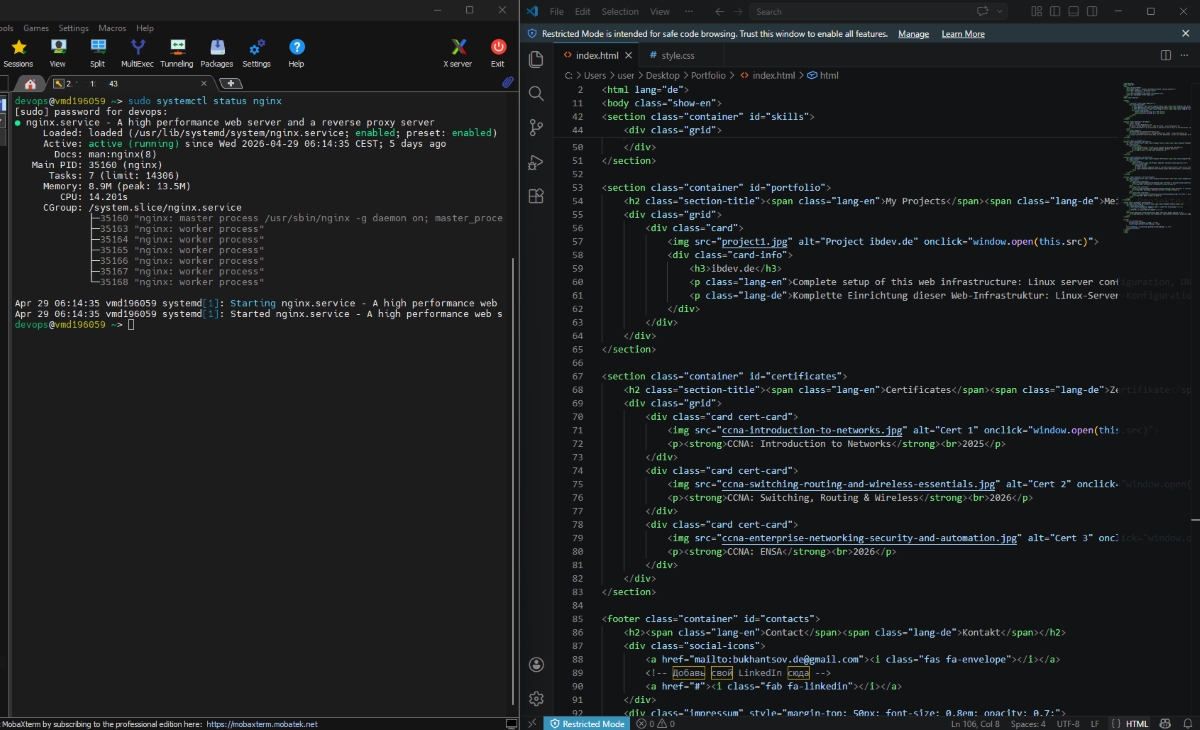
Complete setup of this web infrastructure: Linux server configuration, DNS management for the .de domain, SSL (Let’s Encrypt), and server hardening.
Komplette Einrichtung dieser Web-Infrastruktur: Linux-Server-Konfiguration, DNS-Verwaltung der .de-Domain, SSL (Let’s Encrypt) und Server-Absicherung.
Self-Hosted Docker Infrastructure with GitLab CI/CD Self-Hosted Docker-Infrastruktur mit GitLab CI/CD

Overview: Migrated a single-service Linux server to a containerized setup with Docker Compose: portfolio website, self-hosted GitLab and a CI/CD runner, all behind Nginx Proxy Manager.
Key Features:
- Reverse proxy & TLS: Nginx Proxy Manager issues and renews Let’s Encrypt certificates and routes traffic by domain to containers on an internal Docker network.
- Hardening: Host SSH moved to a non-standard port, port 22 assigned to GitLab for Git over SSH, Fail2ban active, admin panel served over HTTPS behind an access list.
- CI/CD: GitLab Runner (Docker executor) deploys the website automatically on every push to
main. - Lessons learned: Docker bypasses UFW rules for published ports, so admin ports are bound to
127.0.0.1. Mounting the Docker socket into a runner is a trade-off that is acceptable only in a trusted, single-user setup.
Tech Stack: Docker Compose GitLab CI/CD Nginx Proxy Manager Let’s Encrypt Fail2ban Linux SSH
Übersicht: Migration eines Linux-Servers auf ein containerisiertes Setup mit Docker Compose: Portfolio-Website, selbst gehostetes GitLab und CI/CD-Runner hinter dem Nginx Proxy Manager.
Hauptmerkmale:
- Reverse Proxy & TLS: Der Nginx Proxy Manager stellt Let’s-Encrypt-Zertifikate aus, erneuert sie und leitet Anfragen domainbasiert an Container im internen Docker-Netzwerk weiter.
- Härtung: Host-SSH auf einen Nicht-Standard-Port verlegt, Port 22 für Git über SSH an GitLab vergeben, Fail2ban aktiv, Admin-Panel über HTTPS hinter einer Access List.
- CI/CD: Ein GitLab Runner (Docker-Executor) deployt die Website automatisch bei jedem Push auf
main. - Erkenntnisse: Docker umgeht UFW-Regeln bei veröffentlichten Ports, daher sind Admin-Ports an
127.0.0.1gebunden. Der Docker-Socket im Runner ist ein Kompromiss, der nur in einem vertrauenswürdigen Einzelnutzer-Setup vertretbar ist.
Tech-Stack: Docker Compose GitLab CI/CD Nginx Proxy Manager Let’s Encrypt Fail2ban Linux SSH
Secure DevOps: Hardening Prometheus Node Exporter with Nginx Proxy Secure DevOps: Härtung des Prometheus Node Exporters mit einem Nginx-Proxy
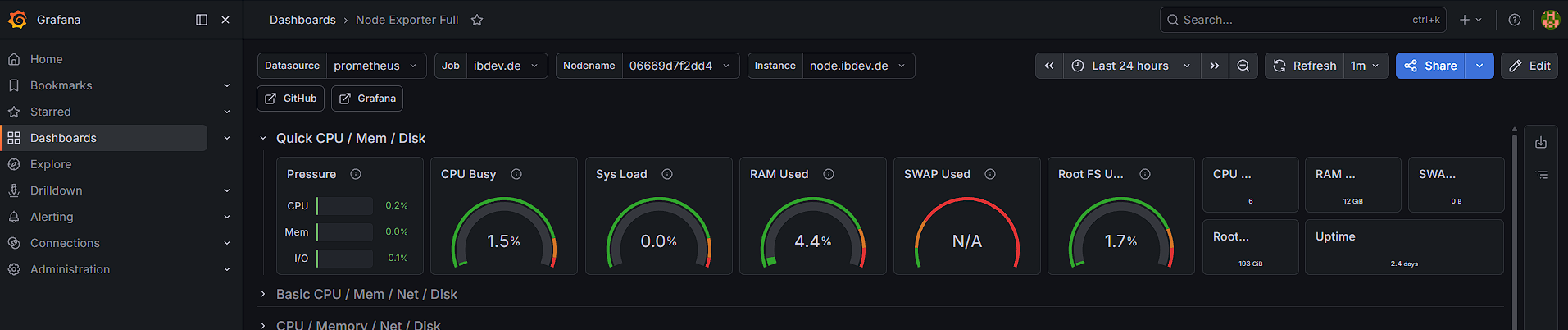
Overview: Production-ready setup for monitoring a remote server with a public IP. Reduced the server’s attack surface while keeping automated metrics collection.
Key Features:
- Closed the unsecured default port 9100 by binding it to
127.0.0.1inside Docker. - Configured Nginx as a reverse proxy with Let’s Encrypt SSL/TLS encryption.
- Protected access with bcrypt-based Basic Authentication.
Tech Stack: Docker Nginx Prometheus Certbot Bash
GitHub RepositoryÜbersicht: Produktionsreifes Setup zur Überwachung eines Remote-Servers mit öffentlicher IP-Adresse. Die Angriffsfläche des Servers wurde verkleinert, während die automatisierte Metrik-Erfassung erhalten bleibt.
Hauptmerkmale:
- Der unsichere Standard-Port 9100 wurde geschlossen, indem er innerhalb von Docker an
127.0.0.1gebunden wurde. - Nginx als Reverse Proxy mit SSL/TLS-Verschlüsselung über Let’s Encrypt konfiguriert.
- Zugriffsschutz durch bcrypt-basierte Basic Authentication.
Tech-Stack: Docker Nginx Prometheus Certbot Bash
GitHub-Repository